
Prefer an article? Go here: How to Use Volume Profile to Master Price Action Trading
Do you want ME to help YOU with your trading?
Video Transcript:
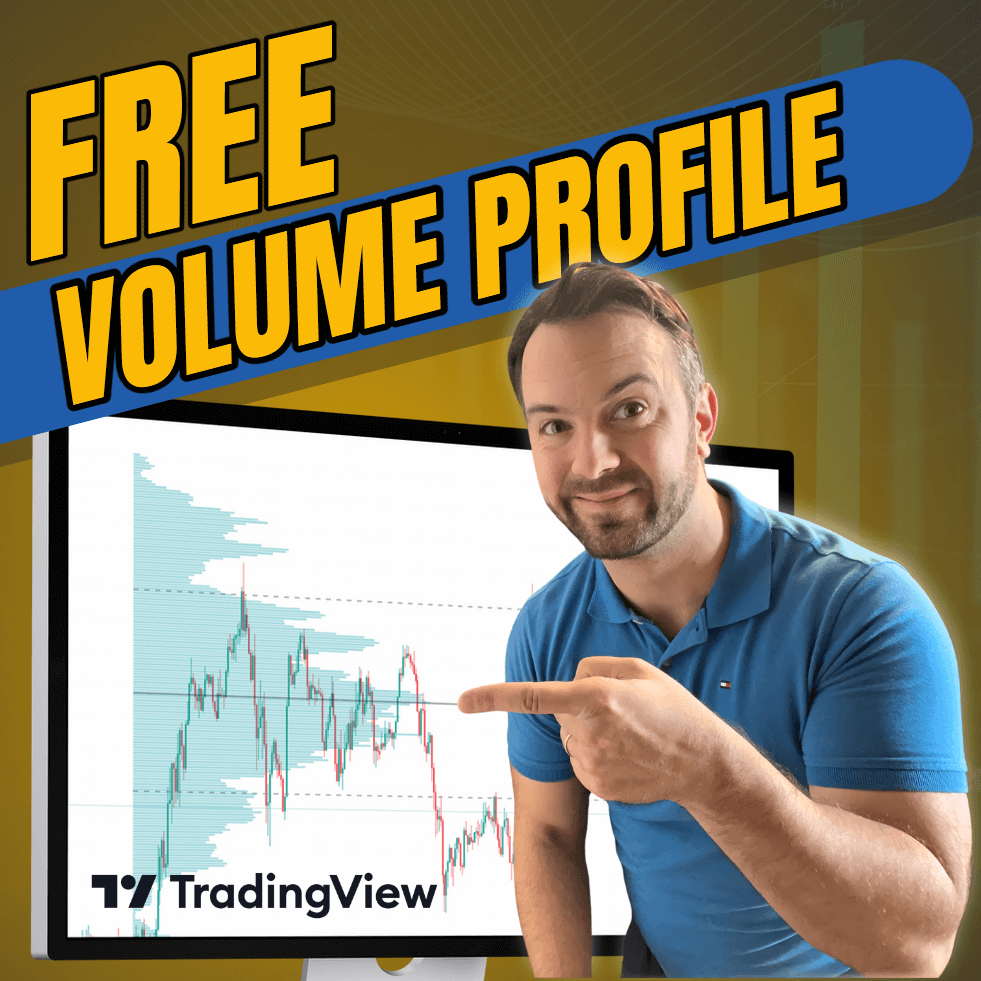
Hey everyone, it’s Dale here. In this video, I’ll show you how to get a free Volume Profile for the TradingView platform. You won’t even need to pay for their subscription; it’s completely free. I know many people on the internet claim that something is free, but in the end, it’s not. This one really is free. So, let me show you.
By the way, this was originally for members of our trading course, but now you can get it too. What you need to do is follow the link below this video. It will take you to the Trader’s Kit page. On this page, all you need to do is fill in the field that says, “Where should we send your free Trader’s Kit?” Just enter your name and email, and then click the button. This will take you to another page.
On that page, among other amazing resources like free books, webinars, and more, you’ll find the Volume Profile. There’s a Flexible Volume Profile and a Fixed Volume Profile. I’ll show you how to get both of them running.
First, let me click the Flexible Volume Profile. You click it, and it takes you to the TradingView page. Just click “Add to favorites.” Now, go back to the previous page and click the Fixed Volume Profile. It’ll take you to another TradingView page—again, click “Add to favorites.” Now both Volume Profiles are added to your favorite indicators on TradingView.
Next, open any chart on TradingView—for example, USD/JPY. Go to the indicator list at the top. You’ll see “Fixed Volume Profile Free” and “Flexible Volume Profile Free.” Click the Fixed Volume Profile, and it will load on the chart. These are the daily volume profiles. You can adjust how the profile looks and other functionalities by clicking on “Settings.”
In the settings, for example, you can switch from a daily profile to a weekly profile, enable showing the Point of Control and Value Area, or change the colors of the profile. Click “OK” and zoom out a bit. You can now see the fixed weekly profiles, showing how volumes are distributed each week.
As I mentioned, you don’t even need to pay for a TradingView subscription—you can use their free plan. Everything I’m showing you is completely free.
Now, let me show you the Flexible Profile—that’s my favorite indicator. Click it, then select two places on the chart: one on the left where the profile starts calculating, and one on the right where it stops. It will show you how volumes are distributed within that range. You can move it around, which is very useful because it lets you focus on specific areas you’re interested in.
Again, you can adjust the settings—change colors, show or hide the Point of Control or Value Area. Volume Profile has always been my number one trading tool. As you can see, the price reacts beautifully to heavy volume zones. For example, here’s a pullback to a heavy volume zone with a nice reaction, and here’s another one. The price often reacts to these areas with strong reversals or continuations.
This is exactly what we teach in our trading course. If you want to learn how to use this indicator properly, visit my website at Trader-Dale.com. Click “Trading Course and Tools” and it’ll take you to the page where you can enroll in the Volume Profile Course.
If you’re interested in Order Flow, VWAP, or Smart Money, you can get those courses as well. And right now, we’re running a special Halloween Sale where you can get all four packs together at a discounted price, available until the end of the month.
That’s about it. I hope you found this useful. I’ll be looking forward to seeing you next time—and until then, happy trading!

Thank you Dale. Nice of yo to stare these two indicators for free.
Thank you Dale. Nice of you to share these two indicators for free.
Thank you Dale, its nice to come to know about this tools addition to chart on a free mode!!!
Gracias, Dale. Qué amable de tu parte mostrarme estos dos indicadores gratis
Hello trader dale i do fancy your trading ideas and you have been my mentor for quite a long time now,,if its possible for you,i would like to have the free volume profile indicator for i know it will impact my trading journey positively,may you plz reply, thank you
Hello Dale
Its really nice of you, to share two important indicators and supporting it with a great tutorial
Best Regards
Namit
Thank you very much Dale ,for free indikators …y are the best
I have a account with trading view and I was going to e-mail you to ask how to install these indicaters. I came accross this page and there it was just what I was looking for. Thanks for doing this It was really nice of you for doing this.
Sen kralsın 😘😘
Thank you very much Dale ,for free indikators …y are the best
Im a new fan bro, i just red your reviews and some pages of your book, i will bet for you to become my mentor. have a great Day Dale
How do I access your free flexible volume profile indicator? I have watched your video, and clicked the link underneath as you instruct, but it doesn’t seem to take me to the same page that you demonstrate, and certainly i cannot find the box you mention to fill in details of where to send. Am i just being dumb?